

Change Location
Bookmarks
Click the search bar with nothing typed and open the Bookmarks tab.
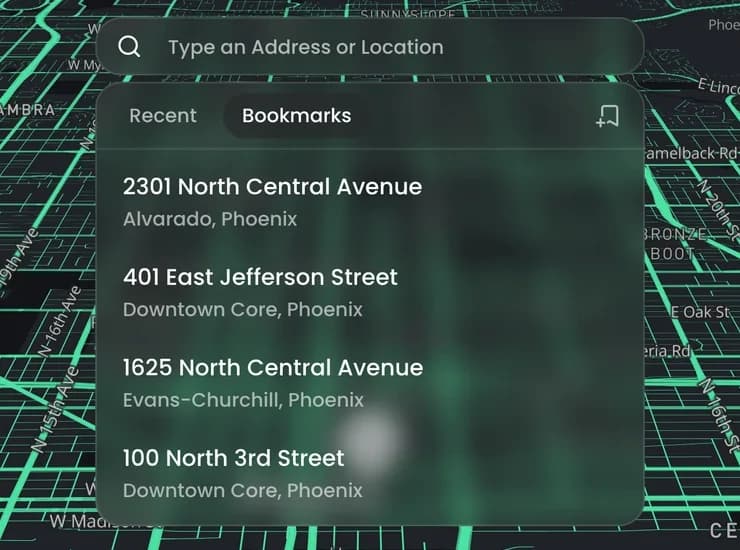
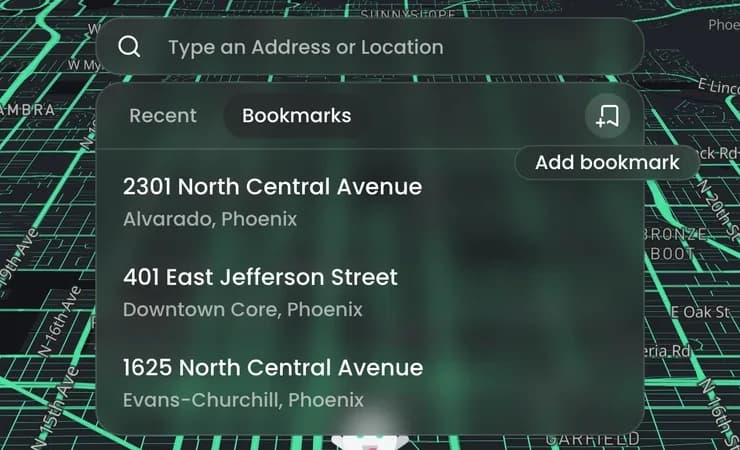
To save a place, move the ghost there and click Add bookmark. Bookmarks are for Static mode only.
Click a bookmark to move the ghost there, then click Change Location. Hover over one to rename or delete it.