

Change Location
Static Mode
- Search for a place in the search bar at the top of the map, or drag the ghost.
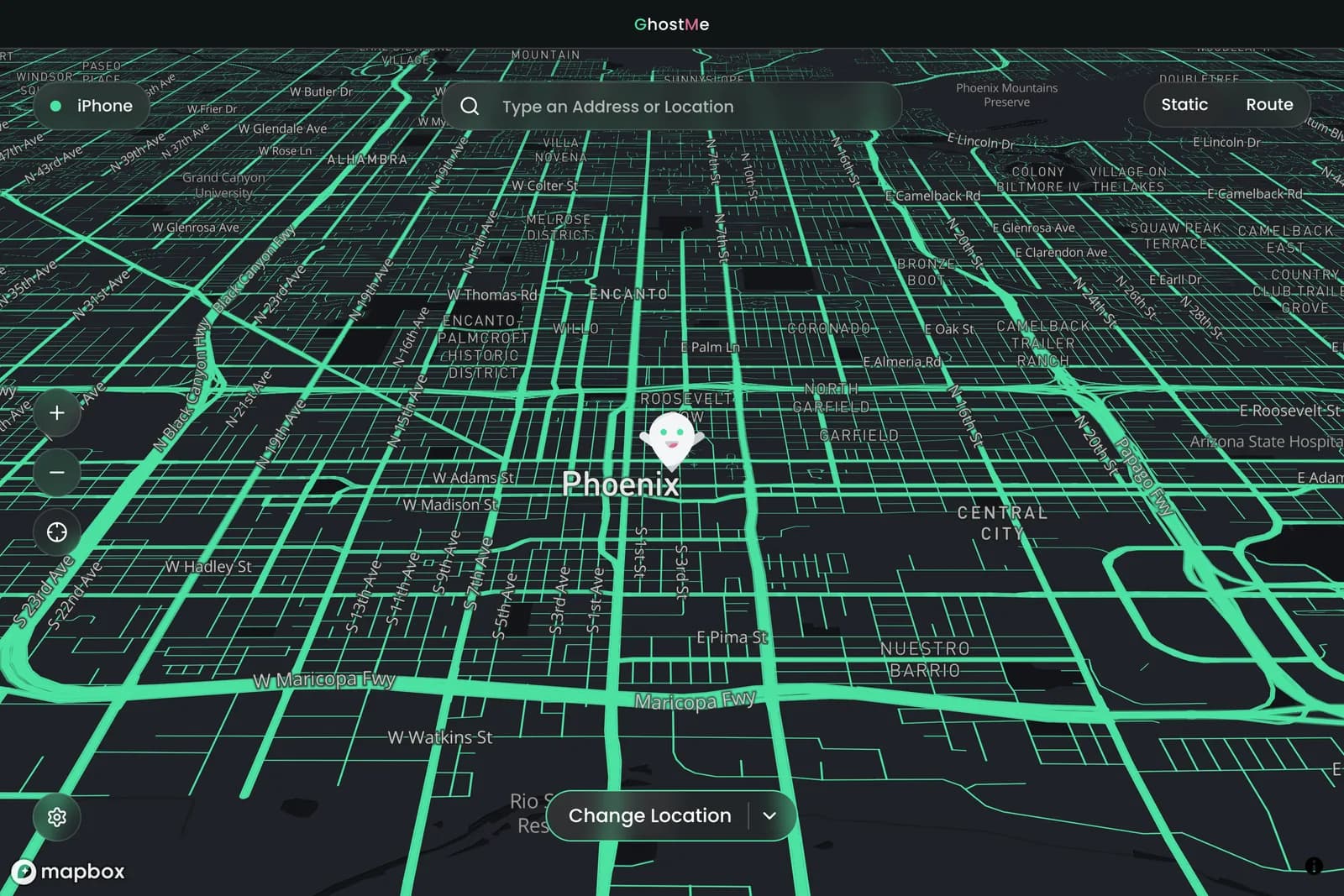
- Click Change Location.

-
To move again, move the ghost and click Update Location.
-
Click Reset Location to go back to your real location. Your iPhone can take a few minutes to catch up; restarting it is faster.