

Change Location
Routes Mode
Routes mode moves your location along a path over time.
-
Click Route at the top right of the map.
-
The route starts at the ghost. Click Add stop, then click the map or pick a search result for each stop. Click Done. The last stop is the end. Up to 10 stops.
-
Set the speed in mph. Optionally turn on Round trip, and choose Stay or Reset under At the end.
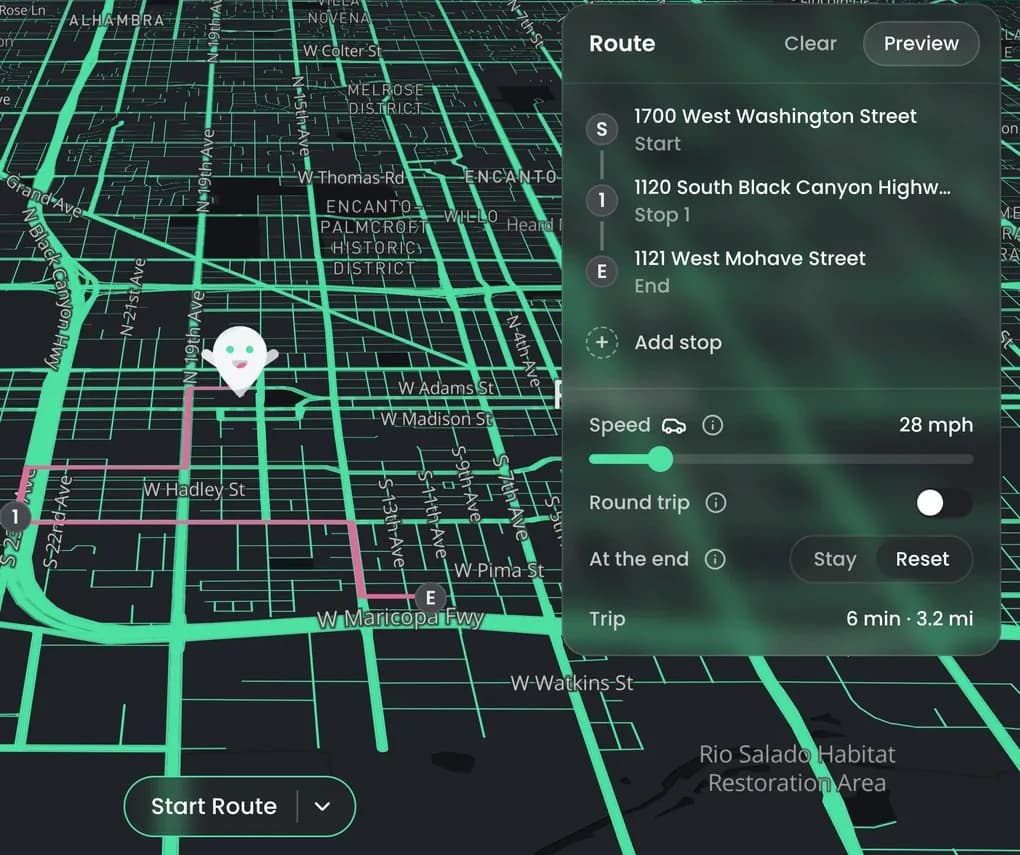
- Click Start Route.
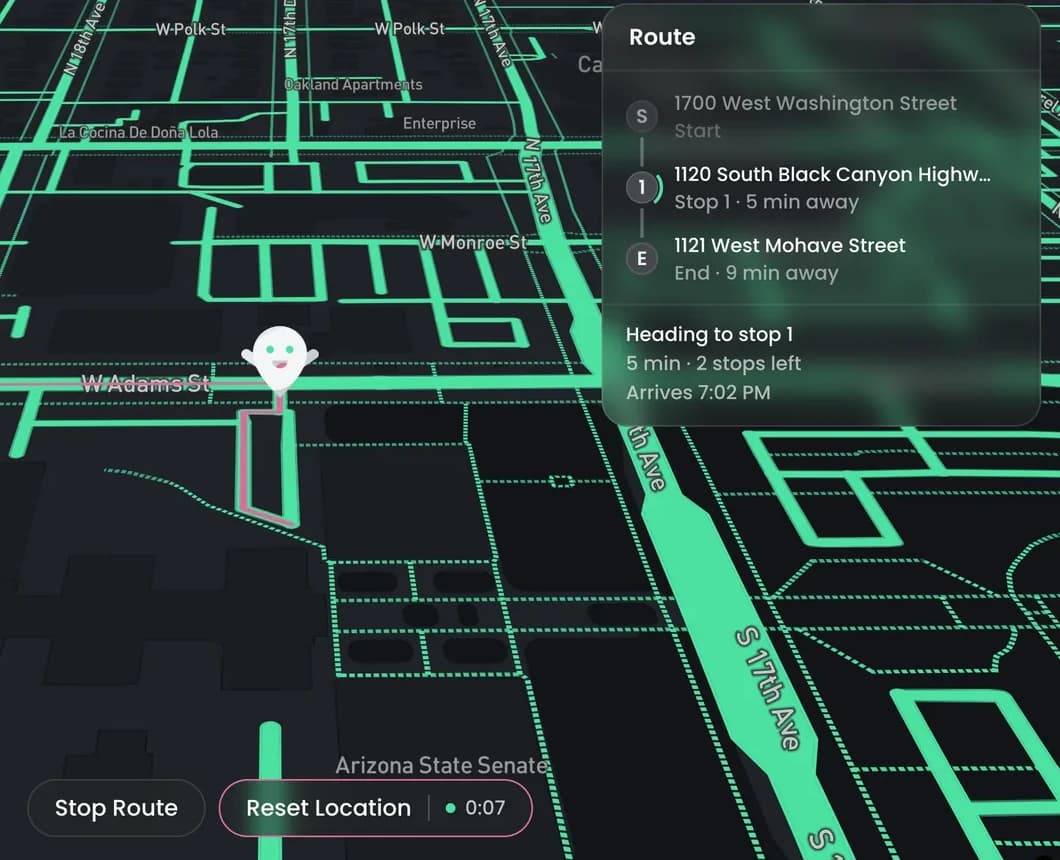
- Click Stop Route to stop where you are, or Reset Location to stop and go back to your real location.
Drag a stop to reorder it. Hover over a stop to set a wait time or delete it. Preview shows the whole route.